

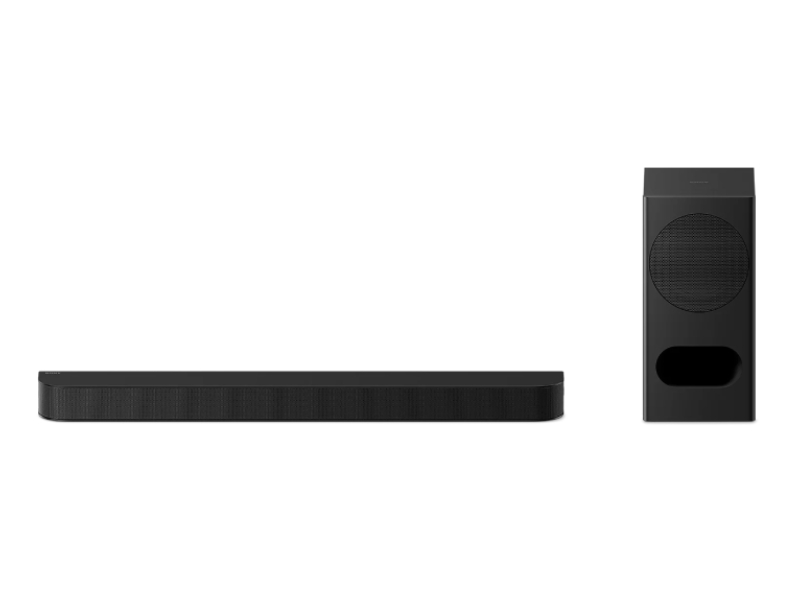
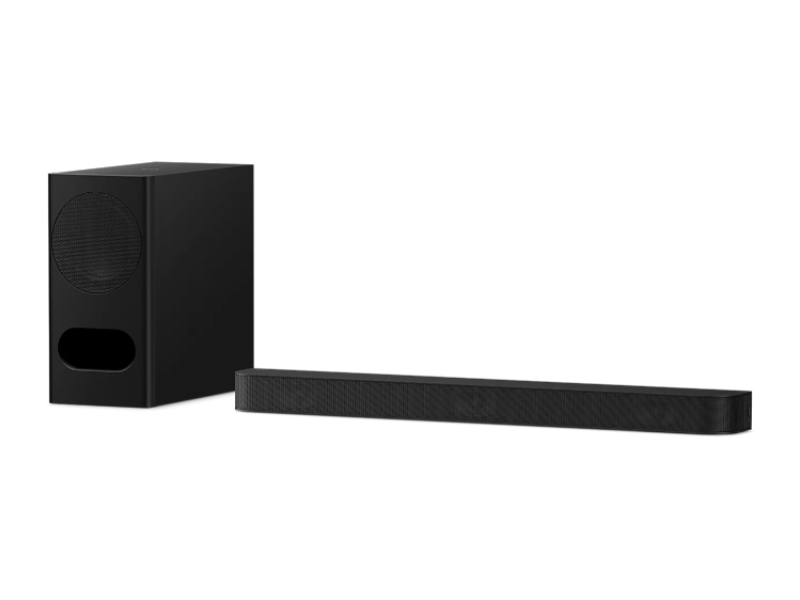
Sony BRAVIA Theatre Bar 5 3.1 Channel Soundbar with Powerful Wireless Subwoofer with Dolby Atmos DTS:X - HTB500


 Authorized Dealer
Price Match Guarantee
Authorized Dealer
Price Match Guarantee

Sony BRAVIA Theatre Bar 5 3.1 Channel Soundbar with Powerful Wireless Subwoofer with Dolby Atmos DTS:X - HTB500
HTB500
Wide surround, powerful bass, clear dialogue
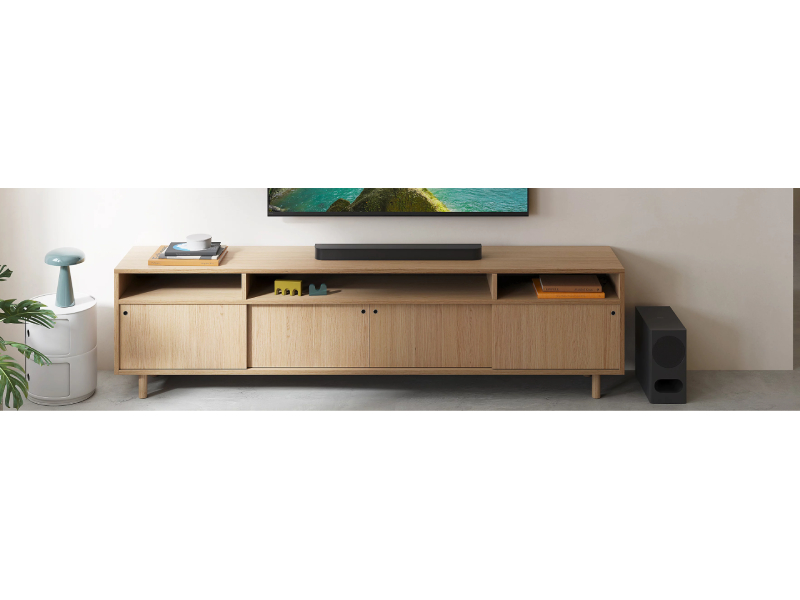
Enhance your movie experience. This 3.1ch soundbar and subwoofer support Dolby Atmos® and DTS:X®, delivering immersive surround, powerful and well-balanced bass from the subwoofer, and a centre speaker tuned for crystal clear voices.
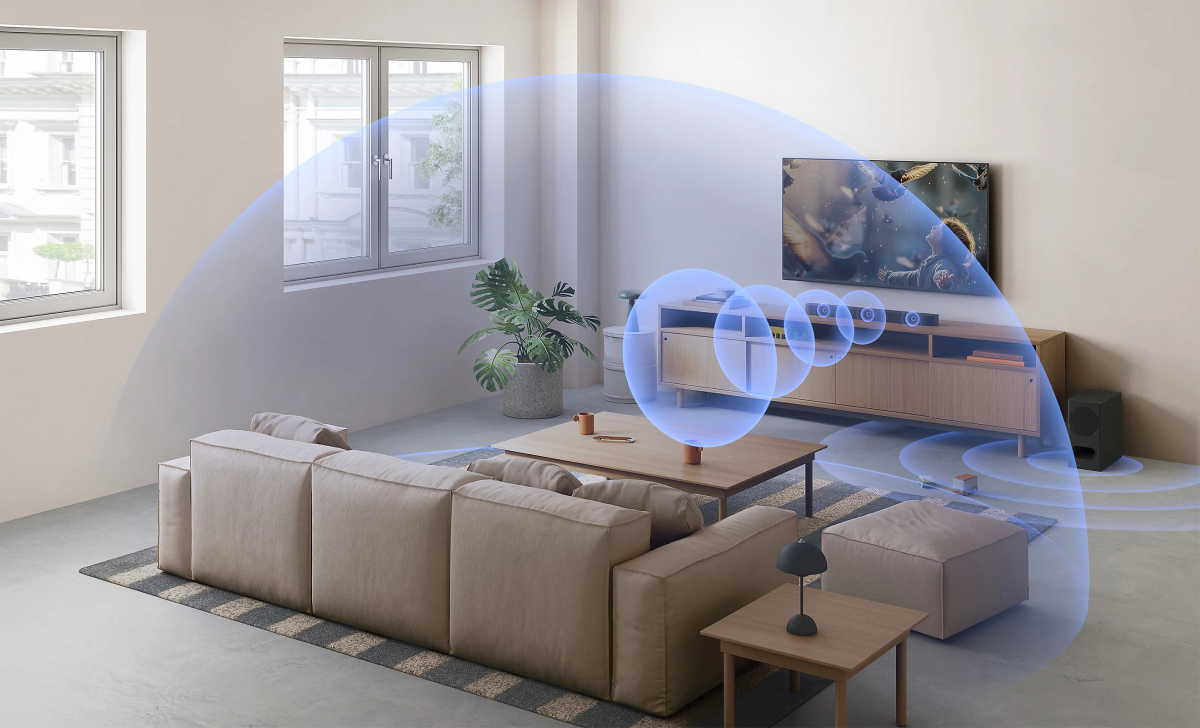
Step up your sound. Step into the scene.
Feel closer to every scene. With Dolby Atmos® and DTS:X®, this 3.1ch soundbar creates surround sound that fills your room with clear dialogue and powerful, well-balanced bass.
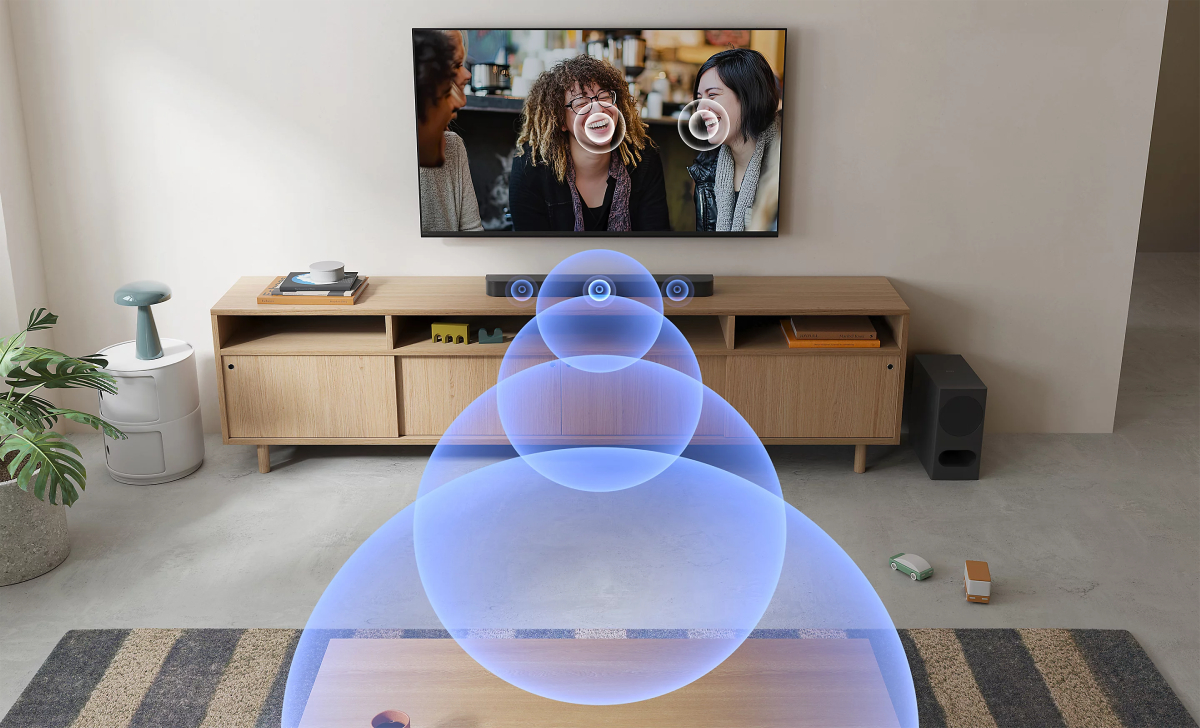
Don’t miss dialogue. Don’t miss scenes.
Hear dialogue as it was meant to be. With a centre speaker for precise voice placement and Voice mode for easy speech boost, conversations stay clear no matter the scene.
With BRAVIA, home becomes movie theatre
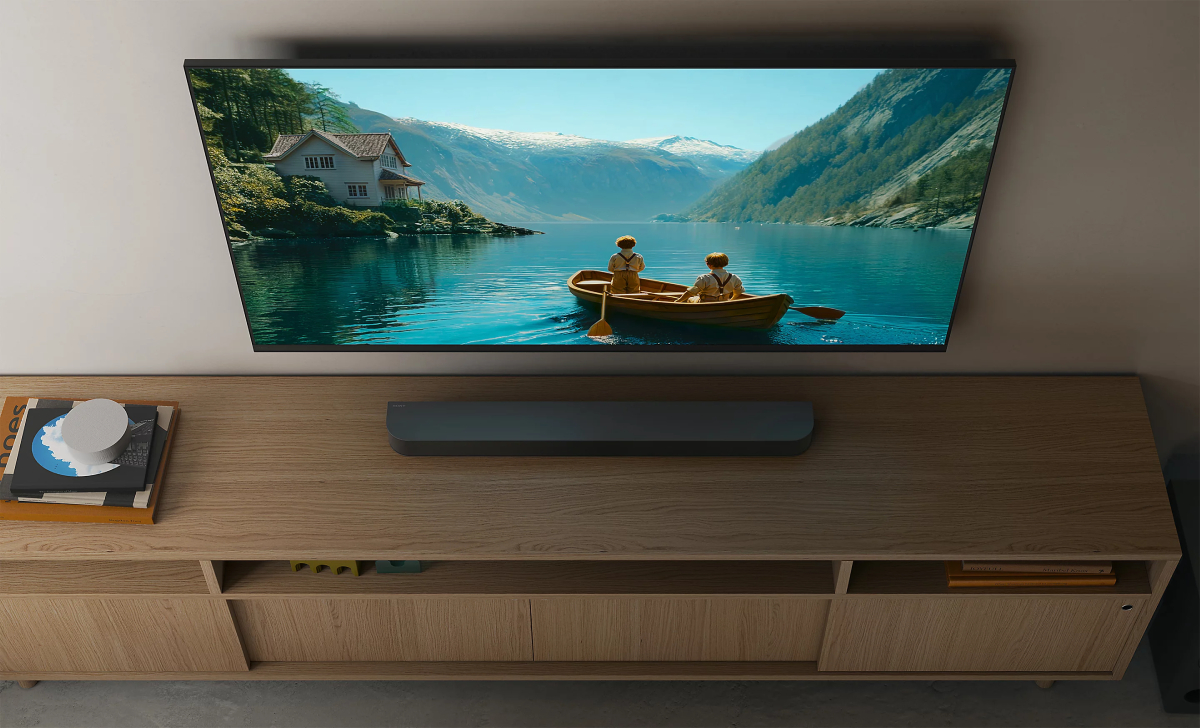
Bring the emotion and excitement of a movie theatre home. Pair BRAVIA Theatre Bar 5 with a BRAVIA TV for an unmatched audio-visual experience, immersing you in every scene as never before.
So easy to use
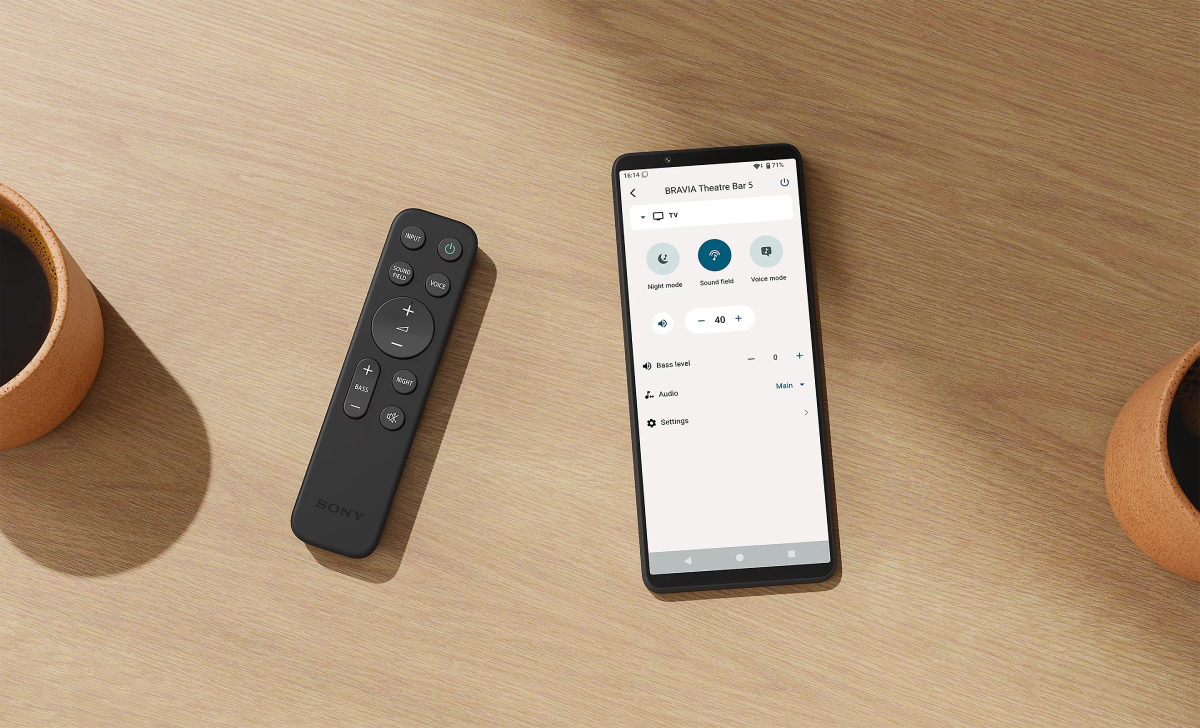
BRAVIA Theatre Bar 5 makes surround sound simple. Everything from setup to control is easily done with your smartphone. The app guides you step by step, leaving you ready to enjoy true cinematic immersion.
Love the planet, smart for all
We’re accelerating our accessibility initiatives, enabling people who are vision or hearing impaired to use Sony’s devices, and expanding our environmental initiatives by incorporating recycled plastic into our products.

| What’s in the box | |
|---|---|
| WHAT’S IN THE BOX | *Note: HDMI cable not included AC Cord Batteries for remote commander Quick Setup Guide Reference Guide Remote Control Wall mounting template Warranty Card |
| Size & Weight | |
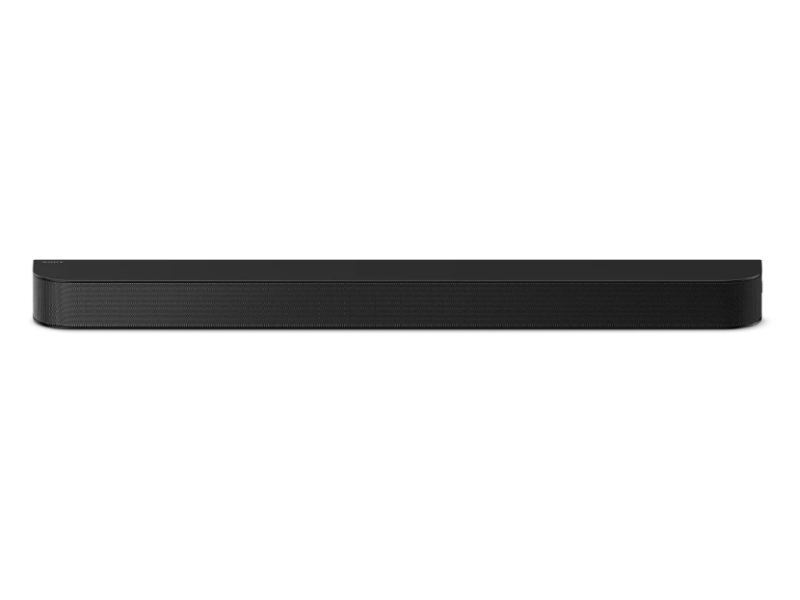
| MAIN UNIT SIZE - BODY ONLY (W x H x D) | 900 x 64 x 100 mm |
| MAIN UNIT SIZE - BODY ONLY (W x H x D) (INCH) | 35 1 / 2 x 2 5 / 8 x 4 in |
| MAIN UNIT WEIGHT - BODY ONLY | 3 kg |
| MAIN UNIT WEIGHT - BODY ONLY (OZ) | 6 lb 10 oz |
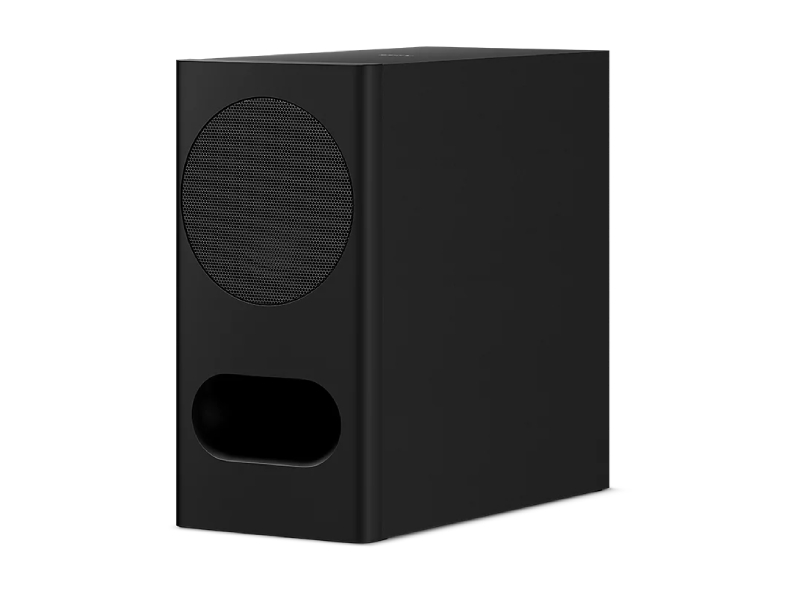
| SUBWOOFER SIZE (W x H x D) (MM) | 192 x 388 x 400 mm |
| SUBWOOFER WEIGHT (KG) | 7.3 kg |
| Amplifier | |
| AMPLIFIER TYPE | Digital Amplifier, S-MasterDigital Amplifier, S-Master |
| AMPLIFIER CHANNELS | 3.1ch |
| Subwoofer | |
| SUBWOOFER TYPE | Wireless |
| Interface | |
| INPUT AND OUTPUT TERMINALS | Optical audio input |
| BLUETOOTH® VERSION | Bluetooth® version: 5.3 |
| BLUETOOTH® COMPATIBLE PROFILES | A2DP, AVRCP |
| BLUETOOTH® SUPPORTED CODECS | SBC, AAC |
| HDMI | |
| NUMBER OF INPUT/OUTPUT | Input / Output: - / 1 (eARC / Audio Return Channel) |
| EARC | Yes |
| BRAVIA SYNC | Yes |
| HDMI CEC | Yes |
| Audio Formats | |
| HDMI EARC | Dolby Digital, Dolby Digital Plus, Dolby TrueHD, Dolby Atmos, DTS, DTS ES, DTS 96 / 24, DTS: X, LPCM: 2ch / 5.1ch / 7.1ch |
| OPTICAL INPUT | Dolby Digital, Dolby Digital Plus, Dolby Digital Plus / Atmos, DTS, DTS ES, DTS 96 / 24, LPCM 2ch |
| BLUETOOTH® COMMUNICATION (RECEIVER) | AAC, SBC |
| SOUND FUNCTION | |
| SOUND MODE | Sound Field (ON/OFF) |
| SOUND EFFECT | Night Mode,Voice Mode |
| VIRTUAL SURROUND TECHNOLOGY | S-Force PRO,Vertical Surround Engine |
| SOUND ENHANCEMENT TECHNOLOGY | DSEE |
| Speaker Layout | |
| SPEAKER STRUCTURE | 3.1 ch (4 Speaker Units) |
| Application | |
| SONY | BRAVIA CONNECT | Yes |
| Function with Bravia | |
| FUNCTION WITH BRAVIA | Voice Zoom 3™, Quick Settings |
| DETAILS | |
| POWER CONSUMPTION *APPROX | Bar: 30 W, Subwoofer: 20 W |
| Eco and energy saving | |
| Power Consumption (Off Mode) | Bar: not available / Subwoofer: 0.3 W |
| POWER CONSUMPTION (STANDBY MODE / LOW POWER MODE) | Bar: 0.5 W / Subwoofer: not available |
| OFF MODE / STANDBY MODE / LOW POWER MODE ACTIVATED | Bar: after 20 minutes / Subwoofer: not available |
| Power Consumption (Network Standby Mode) – Terminals | Bar: 0.5 W (HDMI CEC), 2.0 W (Bluetooth® connection, all terminals and networks connected) / Subwoofer: 0.5 W (Wireless Audio, all terminals and networks connected) |
| Networked Standby Mode Activated – Terminals | Bar: after 20 minutes (HDMI CEC, Bluetooth® connection) / Subwoofer: after 20 minutes (Wireless Audio) |
| Wireless Network(s) On/Off Switch | Bar: Press (Muting), (Volume) -, and (Volume) + in that order within 5 seconds on the supplied remote control to turn on/off the Bluetooth® connection. / Subwoofer: not available |